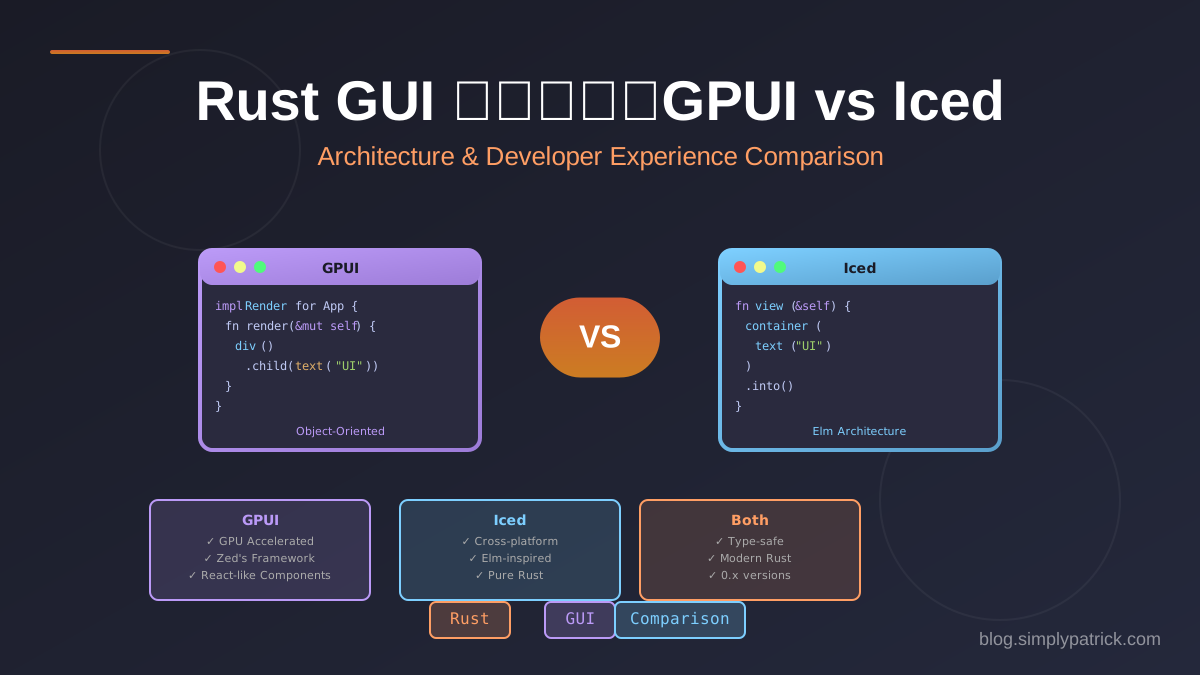
前陣子心血來潮,用兩個不同的 Rust GUI 框架把同一個計算機專案各做了一遍,分別是 GPUI 和 Iced。同一個東西寫兩次,最有趣的地方就是能直接感受到兩種設計哲學的差別。這篇就來聊聊兩者的架構差異和實際的開發體驗囉。
框架背景
| 框架 | 開發者 | 特色 |
|---|---|---|
| GPUI | Zed Industries | GPU 加速、為 Zed 編輯器打造 |
| Iced | 社群驅動 | 受 Elm 啟發、跨平台、純 Rust |
兩者都還算年輕,版本都停在 0.x 階段,所以 API 隨時可能變動,這點先放在心上吧。
架構設計
GPUI:物件導向 + Render Trait
GPUI 走的是類似 React 的元件模式,每個元件就是一個 struct,靠實作 Render trait 來描述 UI:
struct CalculatorApp {
    input: String,
    result: Option<String>,
    engine: Calculator,
}

impl Render for CalculatorApp {
    fn render(&mut self, _window: &mut Window, cx: &mut Context<Self>) -> impl IntoElement {
        div()
            .flex()
            .flex_col()
            .size_full()
            .bg(rgb(0x1e1e1e))
            .child(self.render_display())
            .child(self.render_keypad(cx))
    }
}
Iced:Elm 架構 (Model-View-Update)
Iced 則是函數式的 Elm 架構,乾脆把整個應用程式切成三塊:
// Model(狀態)
struct App {
    input: String,
    result: Option<String>,
    engine: Calculator,
}

// Message(事件)
#[derive(Debug, Clone)]
enum Message {
    ButtonPressed(String),
    Clear,
    Evaluate,
}

// Update(狀態轉換)
impl App {
    fn update(&mut self, message: Message) {
        match message {
            Message::Clear => self.input.clear(),
            Message::Evaluate => { /* ... */ }
            Message::ButtonPressed(s) => self.input.push_str(&s),
        }
    }
}

// View(UI 描述)
impl App {
    fn view(&self) -> Element<'_, Message> {
        column![
            self.view_display(),
            self.view_keypad(),
        ].into()
    }
}關鍵差異就在這裡:GPUI 的事件處理是直接內嵌在 view 裡的閉包,Iced 則強迫你把所有事件都抽象成 Message enum,再交給獨立的 update 函式去處理。一個放任、一個嚴格,個性差很多吧。
事件處理
GPUI:閉包直接修改狀態
div()
    .on_click(cx.listener(move |this, _event, _window, cx| {
        match label.as_str() {
            "C" => this.clear(),
            "=" => this.evaluate(),
            other => this.append(other),
        }
        cx.notify();  // 手動觸發重新渲染
    }))
Iced:Message + Pattern Matching
// View 中只發送 Message
button(text("C"))
    .on_press(Message::Clear)

button(text("="))
    .on_press(Message::Evaluate)

// Update 中統一處理
fn update(&mut self, message: Message) {
    match message {
        Message::Clear => self.input.clear(),
        Message::Evaluate => { /* ... */ }
    }
    // 自動重新渲染,不需手動觸發
}
Iced 的優點:
- 所有狀態變更都集中在
update函式裡,要追蹤、要測試都很省心 - Message enum 天生可序列化,想做 undo/redo 或時間旅行除錯都方便
GPUI 的優點:
- 閉包可以直接抓局部變數,程式碼寫起來更緊湊
- 不必為每個動作都定義一個 Message variant,省事
樣式系統
GPUI:Tailwind 風格的 Fluent API
div()
    .flex()
    .flex_col()
    .p_4()           // padding: 16px
    .gap_3()         // gap: 12px
    .bg(rgb(0x1e1e1e))
    .rounded_lg()
    .text_xl()
    .text_color(rgb(0xffffff))
如果你寫過 Tailwind CSS,這種 API 上手起來相當直覺,幾乎不用查文件。
Iced:Closure-based Styling
container(content)
    .padding(16)
    .width(Length::Fill)
    .style(|_theme| container::Style {
        background: Some(color!(0x2d2d2d).into()),
        border: iced::Border {
            radius: 8.0.into(),
            ..Default::default()
        },
        ..Default::default()
    })
Iced 的樣式是透過 style 方法傳一個閉包進去,好處是可以依照 theme 跟 widget status 動態決定長相,彈性頗大。
按鈕樣式比較
GPUI:
div()
    .bg(rgb(0x3c3c3c))
    .hover(|style| style.bg(rgb(0x4a4a4a)))
.rounded_md()Iced:
button(content)
    .style(move |_theme, status| {
        let bg = match status {
            button::Status::Hovered => color!(0x5a5a5a),
            _ => color!(0x3c3c3c),
        };
        button::Style {
            background: Some(bg.into()),
            border: iced::Border { radius: 6.0.into(), ..Default::default() },
            ..Default::default()
        }
    })
主題支援
GPUI
GPUI 沒有內建主題系統,顏色常數得自己一個個定義:
const BG_DARK: u32 = 0x1e1e1e;
const BG_BUTTON: u32 = 0x3c3c3c;
const TEXT_PRIMARY: u32 = 0xffffff;
Iced
Iced 則內建了一堆主題,一行就能切換,這點真的頗貼心:
iced::application("Calculator", App::update, App::view)
    .theme(|_| Theme::TokyoNightStorm)  // 或 Theme::Dark, Theme::Light 等
    .run()
程式進入點
GPUI
fn main() -> Result<()> {
    let app = Application::new();

    app.run(move |cx| {
        let bounds = Bounds::centered(None, size(px(340.), px(480.)), cx);
        cx.open_window(
            WindowOptions {
                window_bounds: Some(WindowBounds::Windowed(bounds)),
                ..Default::default()
            },
            |_window, cx| cx.new(|_cx| CalculatorApp::new()),
        ).expect("Failed to open window");
    });

    Ok(())
}
Iced
fn main() -> iced::Result {
    iced::application("Iced Calculator", App::update, App::view)
        .theme(|_| Theme::TokyoNightStorm)
        .window_size((340.0, 480.0))
        .run()
}
Iced 的 builder pattern 明顯更簡潔,GPUI 則是把底層控制權交還給你,要自己開視窗、設 bounds。想要省事還是想要掌控,就看你怎麼取捨啦。
跨平台支援
| 平台 | GPUI | Iced |
|---|---|---|
| macOS | 完整支援 (Metal) | 完整支援 |
| Windows | 實驗性 | 完整支援 |
| Linux | 支援 (Vulkan) | 完整支援 |
| Web | 不支援 | 支援 (WebGPU/WebGL) |
跨平台這一塊,Iced 成熟度明顯領先,尤其是 GPUI 目前連 Web 都還沒打算支援,差距就拉開了。
程式碼行數比較
同樣的計算機功能:
| 檔案 | GPUI | Iced |
|---|---|---|
| main.rs | ~250 行 | ~260 行 |
| 總計 | 差不多 | 差不多 |
行數其實差不多,所以別指望換個框架就能少寫一堆 code,真正的差別是在結構而不是篇幅。
編譯時間與依賴
# GPUI
cargo build  # ~2 分鐘,743 個 crates

# Iced
cargo build  # ~1.5 分鐘,415 個 crates
Iced 拉進來的依賴比較少,編譯速度也跟著快一點點。差距不算大,但天天 cargo build 累積下來,還是有感。
選擇建議
選擇 GPUI 如果你:
- 正在為 Zed 編輯器開發插件
- 偏好物件導向的元件設計
- 對渲染效能有高度要求
- 主要目標平台是 macOS
選擇 Iced 如果你:
- 需要跨平台支援(特別是 Web)
- 喜歡 Elm 架構的狀態管理
- 想要內建主題支援
- 偏好穩定的 API(雖然都還在 0.x)
總結
| 特性 | GPUI | Iced |
|---|---|---|
| 架構 | 物件導向 + Render | Elm (MVU) |
| 樣式 | Tailwind-like | Closure-based |
| 主題 | 手動定義 | 內建多種 |
| 事件 | 閉包 + cx.notify() |
Message enum |
| 跨平台 | 有限 | 優秀 |
| 成熟度 | 較新 | 較成熟 |
寫完這兩個版本,我的感想是:兩個框架都很漂亮地展示了 Rust 做 GUI 的可能性,只是方向不太一樣。GPUI 走的是高效能、GPU 加速那條路,骨子裡是為 Zed 編輯器量身打造;Iced 則把函數式跟跨平台的理念貫徹到底。要我說的話,如果只是想趕快做個跨平台小工具,我會先伸手拿 Iced;但如果你的舞台就在 macOS、又想榨出效能,GPUI 也很值得一試。當然這只是我寫一個計算機的心得,別把它當成什麼鐵則,最後還是得看你的專案需求跟個人偏好來決定喔。